
myTitleVault
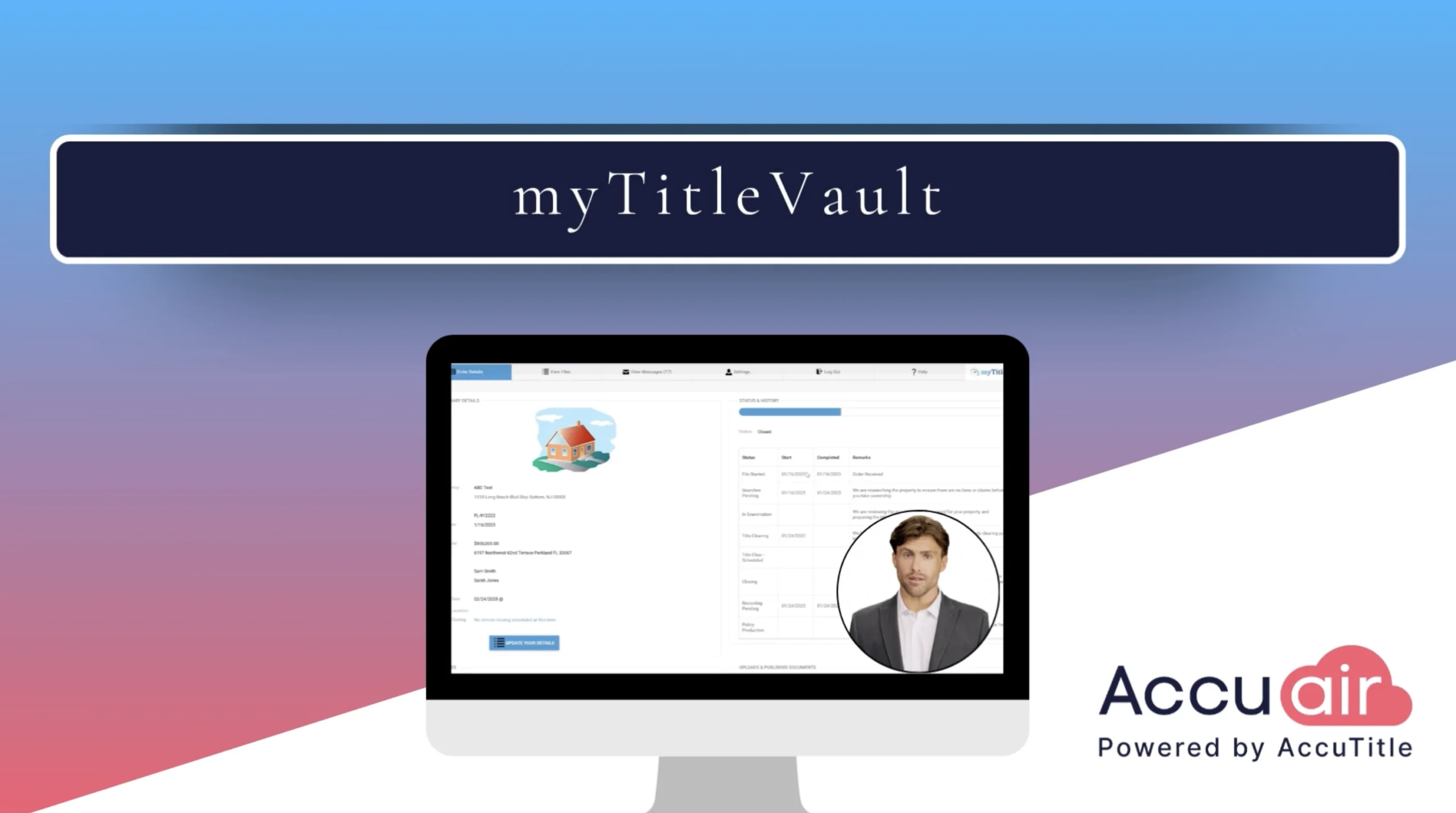
myTitleVault is the order management portal built into AccuAir, and it gives your title and settlement team one secure place to take in work and keep every party informed. After onboarding, your company receives a personalized portal link with your logo that drops right into your website. External parties can request a fully customizable quote in the browser, entering the State, County, Municipality, transaction type, sales price, loan amount, and pages to be recorded, and the quote calculates instantly and is emailed to them. New orders flow into the “New Pending Transactions” section of your AccuAir dashboard, where one click on “Create File” populates the closing file with no manual re-keying. From there you can send portal invites so clients and partners track real-time status and history, publish documents securely to selected parties, accept drag-and-drop uploads that post straight to your Documents section, and exchange secure messages and wire instructions. One portal, less data entry, and a safer experience for everyone on the file.
We welcome you to take a tour of AccuAir: https://accutitle_accuair.apptoto.com/
Transcript:
In today’s video, we’re exploring myTitleVault, one of the most valuable tools in your AccuAir Title Production Software. It’s a complete order management portal that connects you with the outside parties on every file. And here’s the best part: it’s already included in your base pricing. No add-on, no extra license, just ready to put to work.
So what can myTitleVault do for your team? It streamlines how you receive orders from external third parties, importing them directly into AccuAir to create a new file in just a few clicks. It also handles secure document publishing, user access control, secure messaging, and automatic quote generation. And it lets you invite the parties on a transaction to track a file’s progress themselves. That is a lot of value in one portal, and we are just getting started.
Here’s how it starts working for you. After onboarding with AccuAir, your company gets its own personalized portal link, branded with your company’s logo. Drop that link right into your existing website, and your clients and partners have a direct, professional way to reach you anytime. Your brand, your front door, with no development work required.
Let’s start with how an external party can request a quote through the portal. Quotes are fully customizable. Preset your fees once, and they populate automatically based on your firm’s specific rates whenever a quote is requested. To begin, the party simply clicks your company’s custom portal link, which takes them to your portal homepage. From there, they click the “Get Quote” button.
That opens the Quote options, where they enter the State, County, Municipality, Transaction Type, Sales Price, Loan Amount, the approximate number of pages to be recorded, and their email address. Then they click the Calculate button.
The quote appears instantly in their browser, just like this, and a copy lands in their inbox. That automation simplifies quoting, and it frees your team to focus on the active files that need them, which keeps everyone more efficient.
Another key time-saver in myTitleVault is the ability to import orders directly into your AccuAir program, automatically building a new file from the information on the order request form. To import an order, navigate to the Main AccuAir Dashboard and scroll to the “New Pending Transactions” section. This section displays all of the orders awaiting processing.
Click the “Process Transaction” button on the right to open the order details. At the bottom of the page, you’ll find the relevant transaction information. In the upper-right corner, you’ll see your company name and the next file number in the sequence. Using multiple file number sequences? Just select the right one from the drop-down menu. Then click “Create File,” and all of the transaction information populates the right fields in the closing file automatically, with no manual data entry.
Next, let’s walk through how to send an invite to all of the parties involved in the transaction so they can easily track the progress of the file.
First, on your transaction dashboard, open the closing details. At the top, you’ll see the option to “Send Invite.” Click it, and an invitation message pops up. Make sure the drop-down menu is set to “Send Portal,” then click the “TO” button to see a list of everyone on the transaction who has an email address on file. Select the people you’d like to invite, and click “Send.”
If it’s their first time using the portal, they’ll get an email with a link to create their login credentials. Once they’ve set up a username and password, they can log in anytime to check the file’s progress under the “Status” and “History” section. The transaction progress updates in real time as the file moves through each stage in AccuAir, so everyone stays up to date.
Now, let’s go over how to securely publish documents to the portal. Go to the “Documents” section of your closing file, and click the checkbox next to the document or documents you want to publish. On the right side, you’ll see a toolbar. Hover over any button to see what it does. To publish, click the “Send” button and choose “Send Portal” from the drop-down menu.
You’ll see the name and email address that will be used to send the portal invite, and you can change either one if you need to. Click the “TO” button to choose the parties you want to grant access. After selecting, click “Save,” and they’ll get a link to securely access the documents in the portal.
For first-time users, they’ll be asked to set up their portal credentials. Once they’re set up, they can log in at any time to view the documents. They can also upload documents themselves, by dragging and dropping them into the portal or browsing for the file. Any uploaded documents appear automatically in the Documents section of your AccuAir system.
Finally, you can send and receive secure messages and wire instructions through myTitleVault, so sensitive information stays protected. Just open the “View Messages” tab to send or read a message.
That’s myTitleVault, and it’s a major part of what makes AccuAir more than title production software. Secure quoting, instant order import, real-time file tracking, protected documents, and secure messaging all live in one portal that keeps every party on the same page from open to close. And remember, this is included in your base AccuAir pricing, so there’s nothing extra to buy. It’s already there, ready to save you time, tighten up your communication, and give your clients and their agents a faster, safer experience. We’d love to show you everything it can do for your team.





* These fields are required.